Introduction
Navigation is one of those things in Flutter that looks simple… until it isn’t. At first, pushing a screen feels straightforward. But as your app grows multiple flows, authentication states, nested routes things start getting messy. Back stacks behave unexpectedly, screens duplicate, and users land in places they shouldn’t. This guide breaks down Flutter navigation in a way that actually makes sense with real use cases, clean patterns, and common mistakes developers often overlook.
The Core Idea of Navigation in Flutter
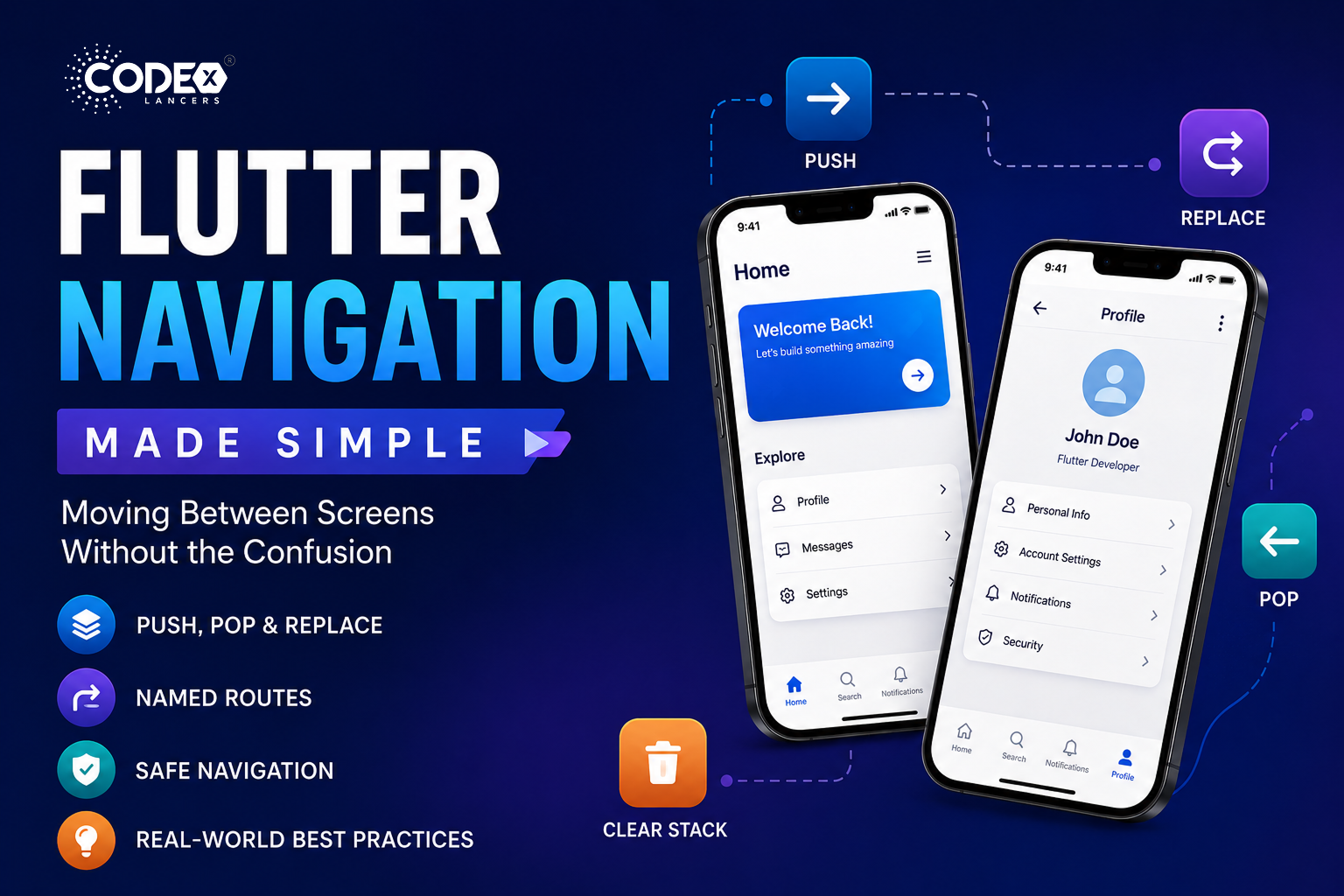
Flutter uses a stack-based navigation system every new screen is pushed onto a stack, going back pops the top screen, and you can replace, reset, or manipulate the stack as needed.
Basic Navigation (Push & Pop)
Go to a new screen
Navigator.push(
  context,
  MaterialPageRoute(builder: (context) => SecondScreen()),
);
Go back
Navigator.pop(context);Replace Current Screen
Useful for flows like login → home (you don’t want users going back to login):
Navigator.pushReplacement(
  context,
  MaterialPageRoute(builder: (context) => HomeScreen()),
);
Clear Entire Navigation Stack
Used after authentication, onboarding, etc.:
Navigator.pushAndRemoveUntil(
  context,
  MaterialPageRoute(builder: (context) => HomeScreen()),
  (route) => false,
);
Pop Until Specific Screen
Navigator.popUntil(context, (route) => route.isFirst);Named Navigation (Clean & Scalable)
Instead of repeating routes everywhere, define them once:
routes: {
  '/home': (context) => HomeScreen(),
  '/profile': (context) => ProfileScreen(),
}
Navigate
Navigator.pushNamed(context, '/profile');Replace
Navigator.pushReplacementNamed(context, '/home');Clear Stack
Navigator.pushNamedAndRemoveUntil(
  context,
  '/home',
  (route) => false,
);
Safe Navigation (Avoid Crashes)
Check if you can go back
if (Navigator.canPop(context)) {
  Navigator.pop(context);
}
Safer alternative
Navigator.maybePop(context);Common Mistakes & Fixes
- Using push instead of pushReplacement : Users can go back to login/signup. Fix: use
pushReplacementafter authentication. - Not clearing stack after login : Back button leads to unwanted screens. Fix: use
pushAndRemoveUntil. - Overusing anonymous routes : Hard to maintain and debug. Fix: switch to named routes for scalability.
- Ignoring back stack behavior : Unexpected navigation flows. Fix: always ask “what should happen when the user presses back?”
- Calling pop without checking : App crashes if no route exists. Fix: use
canPopormaybePop. - Mixing navigation styles randomly : Inconsistent architecture. Fix: stick to one approach prefer named routes in bigger apps.
- Not handling deep navigation flows : Complex flows break easily. Fix: plan navigation structure early, especially for multi-step flows.
Practical Insights from Production
- Keep navigation logic centralized avoid scattering it everywhere.
- Use named routes for medium to large apps.
- Think in terms of user journey, not just screens.
- Test navigation like a user not just as a developer.
Conclusion
Flutter navigation isn’t complicated but it becomes confusing when we don’t structure it properly. Once you understand stack behavior, when to replace vs push, and how to reset flows, everything starts to click. The key is not just knowing the methods it’s knowing when to use them.