Introduction
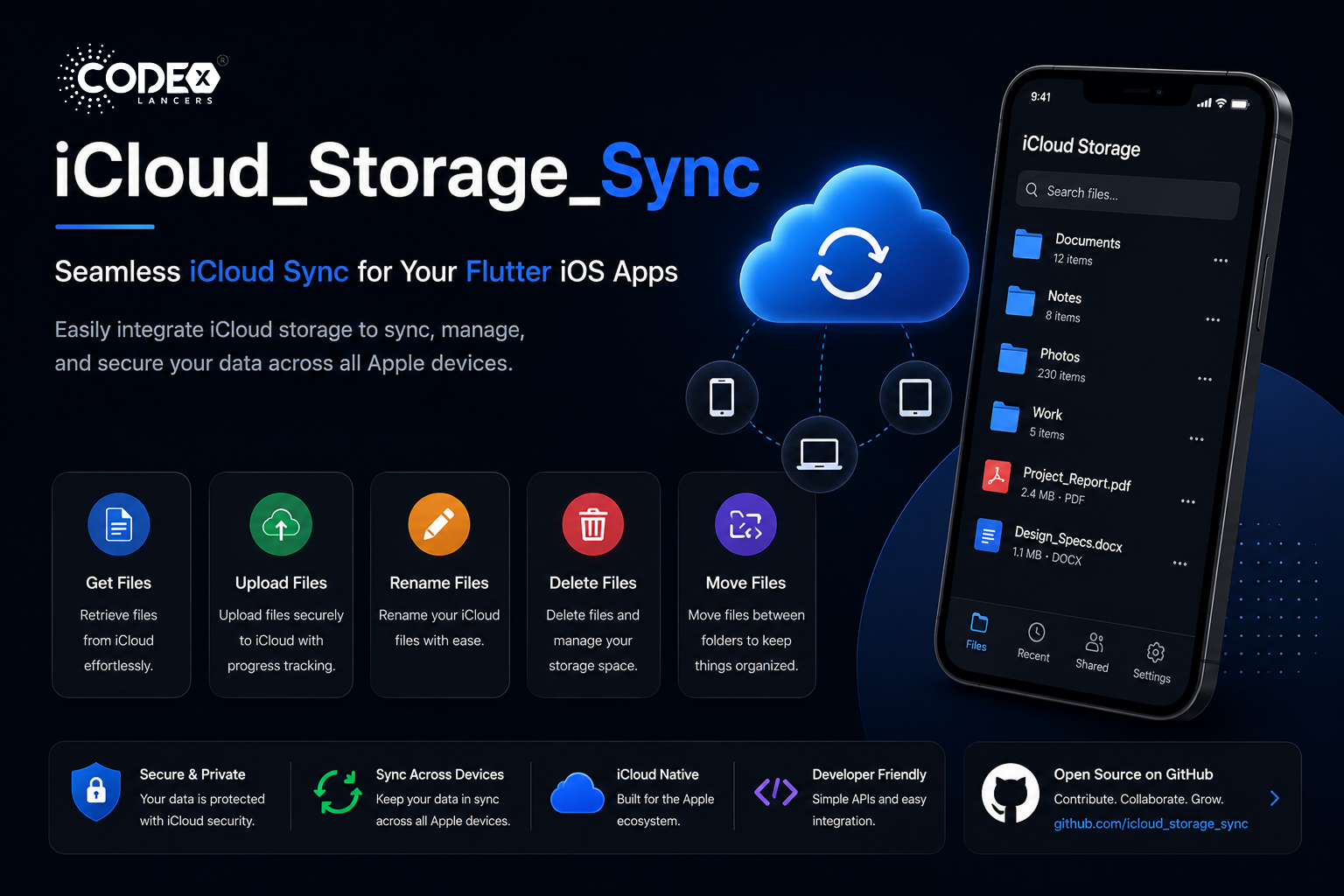
The iCloud_Storage_Sync plugin is designed to simplify the integration of iCloud storage capabilities into your Flutter iOS apps. By leveraging this plugin, you can offer effortless backup and synchronization of app data, a consistent experience across all Apple devices, secure storage and retrieval of important information, and seamless integration with the iCloud ecosystem.
🛠 Setting Up iCloud Container
Before using the plugin, properly set up your iCloud Container by following these steps:
- 👤 Access Your Apple Developer Account : Log in and navigate to Certificates, IDs & Profiles.
- 🆔 Create Necessary IDs : Set up an App ID (if not already done) and create an iCloud Containers ID.
- 🔗 Link iCloud Container to Your App : Assign the iCloud Container to your App ID in the Apple Developer portal.
- 💻 Configure Xcode : Enable the iCloud capability in your Xcode project and select your container.
✨ Features
- 📂 Get iCloud Files : Retrieve files stored in iCloud to ensure a consistent experience across devices.
- ⬆️ Upload Files to iCloud : Store important files securely in the cloud with simple upload functionality.
- ✏️ Rename iCloud Files : Let users organize their cloud storage by renaming files directly within your app.
- 🗑️ Delete iCloud Files : Keep cloud storage tidy with straightforward file deletion.
- ↔️ Move iCloud Files : Allow users to move files between folders in their iCloud storage from within your app.
🚀 Getting Started
Add the dependency to your pubspec.yaml file:
dependencies:
  icloud_storage_sync: ^0.0.1
Run the following command in your terminal:
flutter pub getThen import the package into your Dart file:
import 'package:icloud_storage_sync/icloud_storage_sync.dart';📋 Prerequisites
- ☑️ An active Apple Developer account
- ☑️ A registered App ID and iCloud Container ID
- ☑️ iCloud capability enabled and assigned to your app
- ☑️ iCloud capability properly configured in Xcode
🧰 API Examples
📥 Getting iCloud Files
Future<List<CloudFiles>> getCloudFiles({required String containerId}) async {
  return await icloudSyncPlugin.getCloudFiles(containerId: containerId);
}
📤 Uploading Files to iCloud
Future<void> upload({
  required String containerId,
  required String filePath,
  String? destinationRelativePath,
  StreamHandler<double>? onProgress,
}) async {
  await icloudSyncPlugin.upload(
    containerId: containerId,
    filePath: filePath,
    destinationRelativePath: destinationRelativePath,
    onProgress: onProgress,
  );
}
🏷️ Renaming iCloud Files
Future<void> rename({
  required String containerId,
  required String relativePath,
  required String newName,
}) async {
  await icloudSyncPlugin.rename(
    containerId: containerId,
    relativePath: relativePath,
    newName: newName,
  );
}
🗑️ Deleting iCloud Files
Future<void> delete({
  required String containerId,
  required String relativePath,
}) async {
  await icloudSyncPlugin.delete(
    containerId: containerId,
    relativePath: relativePath,
  );
}
🔀 Moving iCloud Files
Future<void> move({
  required String containerId,
  required String fromRelativePath,
  required String toRelativePath,
}) async {
  await IcloudSyncPlatform.instance.move(
    containerId: containerId,
    fromRelativePath: fromRelativePath,
    toRelativePath: toRelativePath,
  );
}
🚀 Real-World Applications
- 📝 Note-Taking Apps : Sync notes across devices so users always have access to their latest thoughts.
- 📸 Photo Storage Solutions : Offer seamless backup and access to photos across all Apple devices.
- 📚 Document Management : Create a robust system for storing, organizing, and accessing important documents in the cloud.
- 🎮 Game Progress Sync : Keep game saves in sync so users can pick up where they left off on any device.
- 📅 Productivity Apps : Synchronize tasks, calendars, and reminders across the Apple ecosystem.
🤝 Contributing
The iCloud_Storage_Sync plugin is open source and welcomes contributions from the developer community. Whether you’re fixing bugs, improving documentation, or adding new features, your input is valuable. Check out the GitHub repository to get started.
🌟 Conclusion
The iCloud_Storage_Sync plugin represents a significant leap forward for Flutter developers creating seamless, cloud-connected iOS applications. From simple file storage to complex data synchronization, it provides everything needed to keep user data secure, accessible, and in sync across all Apple devices.