Introduction
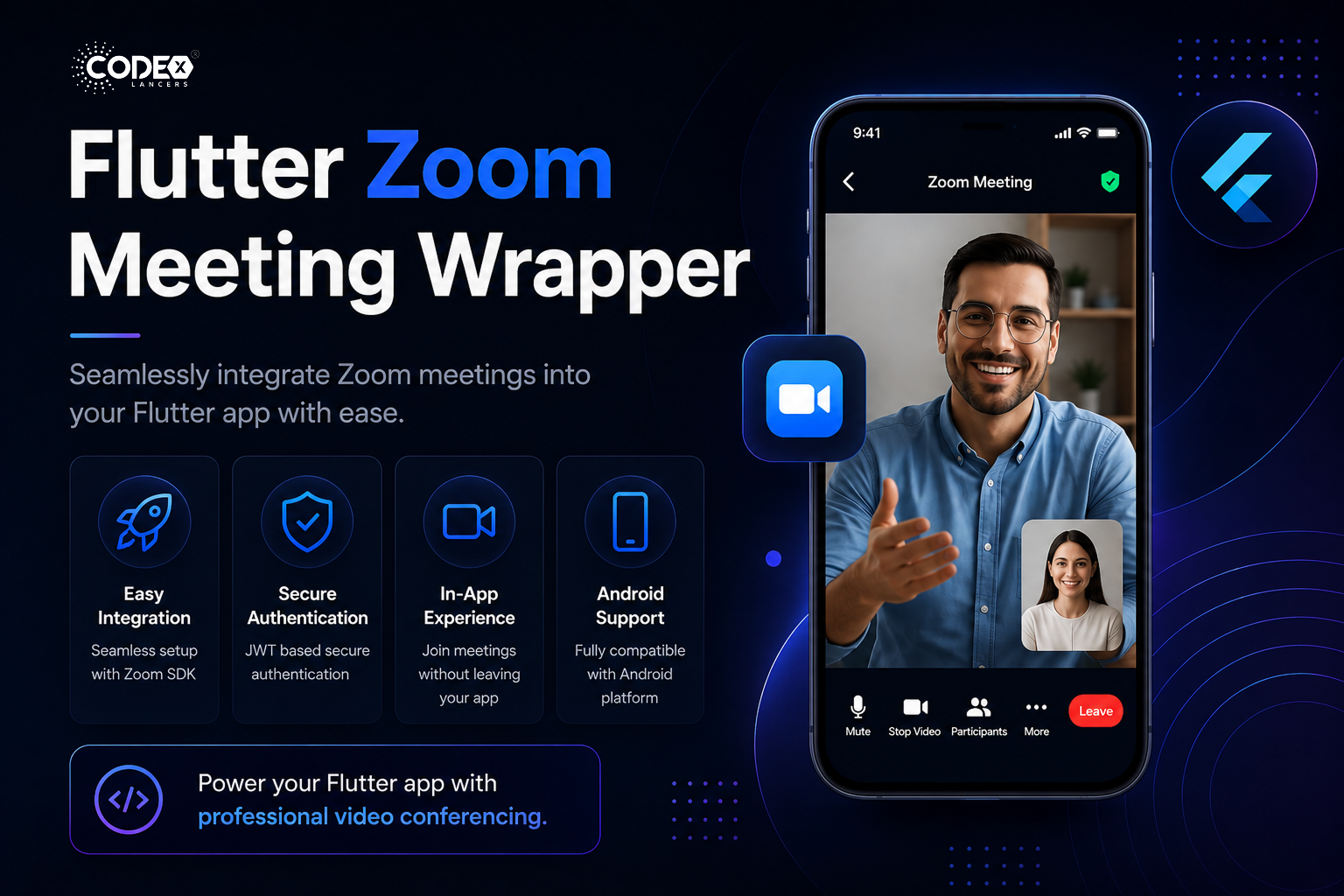
The Flutter Zoom Meeting Wrapper is a powerful Flutter plugin that allows you to seamlessly integrate the Zoom Meeting SDK into your Flutter applications. Your users can join and participate in Zoom meetings directly within your app without ever needing to switch to the Zoom application.
Key Features
- 🚀 Seamless Integration : Easy integration with the Zoom Meeting SDK.
- 🔄 Simple Initialization : Initialize the SDK using a JWT token.
- 🎯 In-App Experience : Join meetings directly within your app no Zoom app required.
- 📱 Platform Support : Complete Android platform compatibility.
- 🔊 Rich Meeting Experience : Full audio and video meeting functionality.
- 🔐 Secure Authentication : Robust security through JWT authentication flow.
Getting Started
Installation
Add the following to your pubspec.yaml file:
dependencies:
  flutter_zoom_meeting_wrapper: ^0.0.1
Run flutter pub get to install the package.
Mandatory Zoom SDK Setup
For the plugin to function correctly, set up the Zoom SDK by following these steps:
- Download the Zoom SDK ZIP from this link.
- Extract the ZIP file after downloading.
- Copy the
libsfolder and paste it inside your Flutter pub-cache directory at:
~/.pub-cache/hosted/pub.dev/flutter_zoom_meeting_wrapper-0.0.1/android/Note: Replace 0.0.1 with the version you’re using, if different.
Alternatively, run the following command to open the folder directly:
open ~/.pub-cache/hosted/pub.dev/flutter_zoom_meeting_wrapper-0.0.1/android⚠️ Important: The libs folder must be placed in the correct location for the plugin to function properly.
Setting Up Zoom API Credentials
- Create a Zoom Developer Account at Zoom Marketplace.
- Create a new app in the Zoom Marketplace.
- Obtain your API Key and API Secret from the app credentials page.
- Use these credentials to generate your JWT token.
Generating a JWT Token
You can generate a Zoom JWT token using jwt.io with the following payload and signature.
Payload:
{
  "appKey": "ZOOM-CLIENT-KEY",
  "iat": ANY-TIME-STAMP,
  "exp": ANY-TIME-STAMP,
  "tokenExp": ANY-TIME-STAMP
}
Verify Signature:
HMACSHA256(
  base64UrlEncode(header) + "." +
  base64UrlEncode(payload),
  "ZOOM-CLIENT-SECRET"
)
Implementation Guide
Initializing the SDK
Initialize the Zoom SDK with your JWT token:
import 'package:flutter_zoom_meeting_wrapper/flutter_zoom_meeting_wrapper.dart';

bool isInitialized = await ZoomMeetingWrapper.initZoom(jwtToken);
Joining a Meeting
Once initialized, join a Zoom meeting with this simple code:
bool joinSuccess = await ZoomMeetingWrapper.joinMeeting(
  meetingId: "your_meeting_id",
  meetingPassword: "meeting_password",
  displayName: "Your Name",
);
Troubleshooting Common Issues
- JWT Token Invalid : Ensure your API Key and Secret are correct, and verify that your system time is accurate.
- Failed to Initialize SDK : Check that you have a stable internet connection and are using a valid JWT token.
- Cannot Join Meeting : Double-check that the meeting ID and password are correct.
Current Limitations
- 🖼️ Custom UI overlays are not supported in the current version.
- 📹 Meeting recording functionality is not available in this plugin.
- 🖥️ Screen sharing capabilities are limited to platform capabilities.
Conclusion
The Flutter Zoom Meeting Wrapper offers a straightforward way to integrate Zoom’s powerful meeting capabilities into your Flutter applications. With minimal setup and an easy-to-use API, you can enhance your app with professional video conferencing features keeping users engaged without ever leaving your app.
For full documentation, check it out on pub.dev.