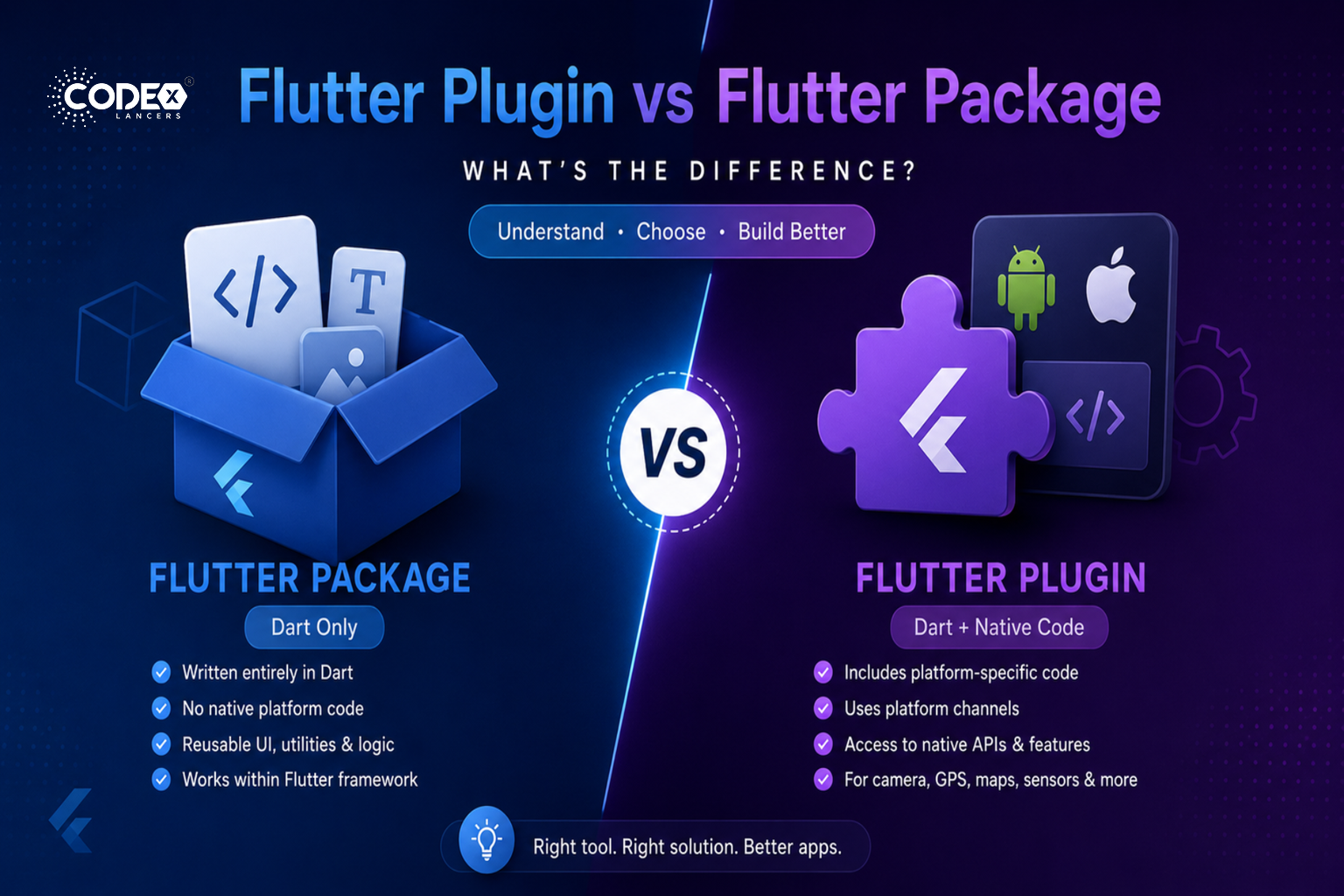
What is a Flutter Package?
A Flutter package is a collection of Dart code and assets (like images, fonts, etc.) that adds functionality to a Flutter app. Packages help developers avoid reinventing the wheel by providing reusable solutions for common problems.
Key Characteristics:
- Written entirely in Dart.
- Does not include any native platform-specific code (e.g., no Java/Kotlin for Android or Objective-C/Swift for iOS).
- Can contain widgets, utilities, models, state management solutions, and more.
- Works purely within the Flutter framework.
Examples:
- 🧩 provider (state management)
- 🌐 http (network requests)
- 💾 shared_preferences (basic key-value storage without heavy native dependencies)
What is a Flutter Plugin?
A Flutter plugin is a special type of package that provides an interface between Dart code and platform-specific code (Android, iOS, Web, Desktop). Plugins are needed when Flutter apps need to access platform services, sensors, or APIs that are outside the Flutter framework.
Key Characteristics:
- Includes Dart code and platform-specific native code.
- Uses platform channels to communicate between Flutter and native layers.
- Needed when you require access to hardware features or native platform APIs (e.g., camera, GPS, file system).
Examples:
- 📸 camera (access device camera)
- 🗺️ google_maps_flutter (display Google Maps)
- 📱 device_info_plus (fetch device hardware info)
How to Identify if It’s a Package or Plugin?
When browsing pub.dev:
- If you see “Plugin” tag: it’s a Flutter Plugin (native code included).
- If you only see “Package” tag: it’s a Dart-only Flutter Package.
You can also look at the repository:
- A plugin will usually have folders like android/, ios/, web/, macos/, windows/, or linux/.
- A Dart-only package typically has only lib/, test/, and maybe assets/.