Introduction
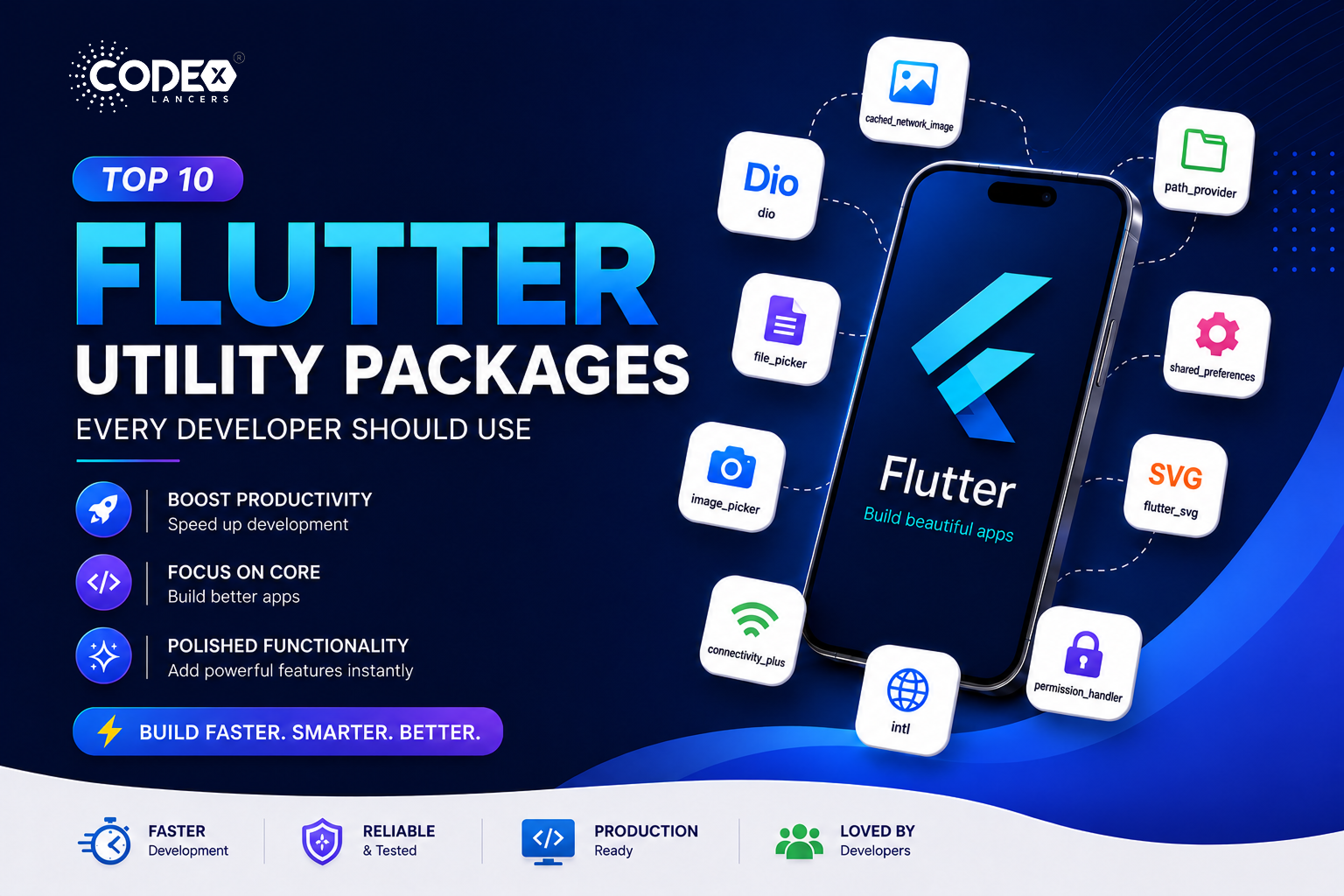
Flutter is incredibly powerful but what truly boosts productivity is its ecosystem of ready-to-use utility packages. Instead of building everything from scratch, these packages help you speed up development, focus on core features, and add polished functionality instantly. Here are 10 highly practical Flutter packages you’ll actually use in real-world apps.
1. cached_network_image
pub.dev/packages/cached_network_image
Efficiently loads and caches images from the internet with automatic caching, placeholder & error widgets, and smooth image loading. Ideal for social media apps, e-commerce, and profile images.
CachedNetworkImage(
  imageUrl: "https://example.com/image.jpg",
  placeholder: (context, url) => CircularProgressIndicator(),
  errorWidget: (context, url, error) => Icon(Icons.error),
);
✅ Improves performance & reduces network calls. ⚠️ Limited cache control.
2. dio
A powerful HTTP client with interceptors, request cancellation, and logging support. Perfect for REST API integration, token handling, and debugging network calls.
final dio = Dio();
final response = await dio.get('https://api.example.com');
✅ Feature-rich & scalable. ⚠️ Slight learning curve.
3. path_provider
pub.dev/packages/path_provider
Provides access to device storage paths with app directory access, temporary storage paths, and cross-platform support. Use it to save files locally, cache data, or store downloads.
final directory = await getApplicationDocumentsDirectory();
print(directory.path);
✅ Essential for file handling. ⚠️ Only provides paths, not file operations.
4. file_picker
Allows users to select files from their device with multi-file selection, all file types supported, and cross-platform compatibility. Great for document uploads, media selection, and resume uploads.
FilePickerResult? result = await FilePicker.platform.pickFiles();
if (result != null) {
  print(result.files.single.path);
}
✅ Simple and flexible. ⚠️ Requires permissions.
5. shared_preferences
pub.dev/packages/shared_preferences
Stores simple data locally using key-value pairs lightweight, persistent, and easy to use. Perfect for saving user settings, login flags, and theme preferences.
final prefs = await SharedPreferences.getInstance();
await prefs.setString('username', 'John');
✅ Very easy to implement. ⚠️ Not secure for sensitive data.
6. image_picker
Pick images from camera or gallery with a simple API. Ideal for profile picture uploads, social apps, and image sharing.
final image = await ImagePicker().pickImage(source: ImageSource.gallery);✅ Easy integration. ⚠️ Requires permissions.
7. flutter_svg
Render SVG images in Flutter apps with high-quality vector rendering and scalable UI assets. Use it for icons, logos, and illustrations.
SvgPicture.asset('assets/icon.svg');✅ Sharp UI across all devices. ⚠️ Complex SVGs may fail to render.
8. connectivity_plus
pub.dev/packages/connectivity_plus
Detect internet connectivity status with WiFi/mobile detection and real-time updates. Use it for offline UI handling and network monitoring.
var result = await Connectivity().checkConnectivity();✅ Lightweight. ⚠️ Doesn’t guarantee actual internet access, only connection type.
9. intl
Provides internationalization and formatting utilities date formatting, number formatting, and localization support. Essential for multi-language apps, currency formatting, and date/time display.
import 'package:intl/intl.dart';

String formattedDate = DateFormat('dd MMM yyyy').format(DateTime.now());
✅ Essential for global apps. ⚠️ Slightly verbose setup.
10. permission_handler
pub.dev/packages/permission_handler
Handles runtime permissions on Android & iOS request/check all major permissions across platforms. Use it for camera, storage, and location access.
var status = await Permission.camera.request();
if (status.isGranted) {
  print("Camera permission granted");
}
✅ Must-have for real apps. ⚠️ Platform configuration required.
🎁 Bonus url_launcher
Launch URLs, emails, phone calls, and apps open websites, make phone calls, send emails. Ideal for contact buttons, external links, and deep linking.
launchUrl(Uri.parse("https://flutter.dev"));✅ Very versatile. ⚠️ Needs platform setup.
Conclusion
Using the right Flutter utility packages can dramatically improve your development workflow. Use practical packages like cached_network_image, dio, and shared_preferences add intl for localization and permission_handler for real-world permissions. With the right tools, you can build apps that are faster, more efficient, and production-ready.